Why is my phone battery draining so fast?
Most fast drain comes from a handful of everyday causes. Start with the battery usage screen, usually under Settings > Battery, which shows which apps and features used the most power recently. Menus vary by model and software version.
Screen brightness and screen time
The screen is often the biggest single user of power. A very bright screen, a long screen timeout and a high refresh rate (often called smooth display or motion smoothness) all add up.
Apps working in the background
Apps can refresh content, sync and fetch notifications while you're not using them. A badly behaved app, or one that gets stuck after an update, can drain the battery while the phone sits in your pocket.
Poor signal
When mobile signal is weak, the phone keeps searching for a better connection, and Apple and Samsung both say this uses more power. A day in a basement office or on a train with patchy coverage can flatten a battery quickly. Indoors, Wi-Fi calling lets the phone use your broadband instead of struggling for a mobile signal.
Location services
GPS and apps that check your location in the background use extra power. An hour or two of satnav will make a clear dent in the battery.
An ageing battery
Phone batteries are lithium-ion and lose capacity as they go through charge cycles. Apple says iPhone 14 models and earlier are designed to keep 80% of their original capacity after 500 complete cycles, and iPhone 15 models after 1,000 cycles, under ideal conditions. After two or three years of daily charging, a noticeable drop is normal on any phone.
How do you check battery health?
On an iPhone
Go to Settings > Battery > Battery Health (called Battery Health & Charging on some versions). The maximum capacity figure compares the battery with when it was new. If the phone has shut down unexpectedly, you may see a note that performance management has been applied. A message saying the battery's health is significantly degraded means it's time to think about a replacement.
On Android
Android phones vary more. Some examples:
- Google Pixel: on supported models, Settings > Battery > Battery health shows an estimated capacity.
- Samsung Galaxy: open the Samsung Members app, go to Support or Get help, choose Phone diagnostics and run the battery status check.
- Other brands: look under Settings > Battery, or in the manufacturer's device care or diagnostics app.
If your phone shows nothing useful, the manufacturer or an authorised repairer can run a battery test. Be wary of third-party apps that promise an exact health figure, as most can only estimate.
Fixes to try, from quickest to most involved
- Restart the phone to clear apps or processes that have got stuck.
- Check the battery usage screen. Update, restrict or remove any app using far more than you'd expect.
- Lower the brightness or turn on automatic brightness, and shorten the screen timeout.
- Turn on dark mode. On OLED screens, dark areas use less power.
- Install system and app updates. A day or two of extra drain straight after an update is normal while the phone finishes optimising.
- Review location access, usually under Settings > Privacy or Settings > Location, and set apps to "while using" or "never" where they don't need it.
- Limit background activity. On iPhone this is Background App Refresh. On Android you can restrict background battery use for each app.
- Use Low Power Mode on iPhone or Battery Saver on Android when you need the charge to stretch.
- In a dead spot with no Wi-Fi, switch on aeroplane mode if you don't need to be reachable.
- As a last step, back up and factory reset the phone. This rules out a software problem before you pay for a new battery.
Charging habits that help your battery last
- Keep the phone cool. Apple says ambient temperatures above 35°C can permanently reduce battery capacity, so don't leave it on a sunny dashboard or charge it under a pillow.
- Take the case off if the phone gets hot while charging.
- Use the phone's battery protection setting. iPhones have Optimised Battery Charging, and many Android phones can adapt charging to your routine or stop at around 80%.
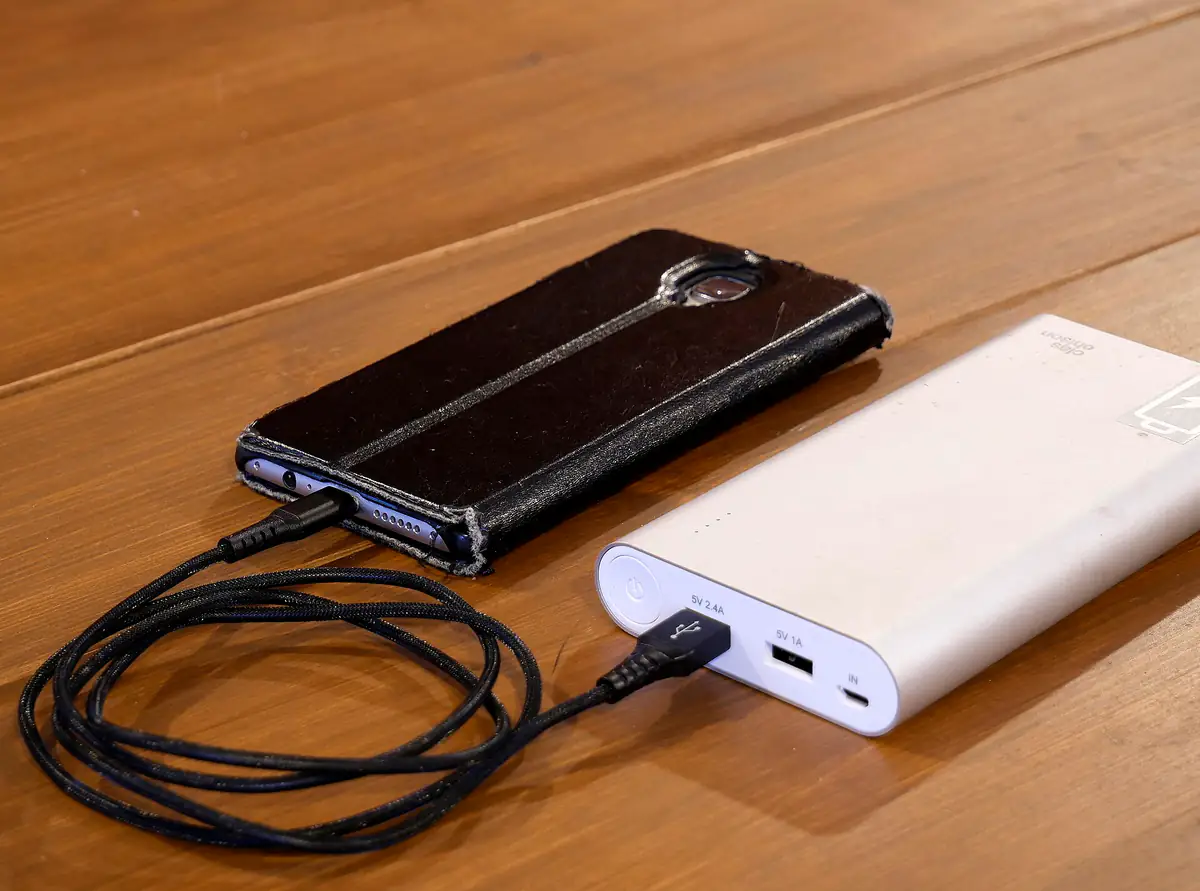
- Use a charger and cable from the manufacturer or a reputable brand. Cheap unbranded chargers can be unsafe.
- There's no need to run the battery down to 0% before charging. Topping up during the day is fine.
- If you're putting a phone away for months, leave it at about half charge and switched off.
Signs your battery needs replacing
- Battery health is around 80% or lower, or the phone says the battery is degraded or needs service.
- The phone switches off suddenly, especially in the cold or while it still shows some charge.
- The percentage jumps around, for example from 30% to 5% in a few minutes.
- You can't get through a normal day even after trying the fixes above.
- The phone gets hot during simple tasks.
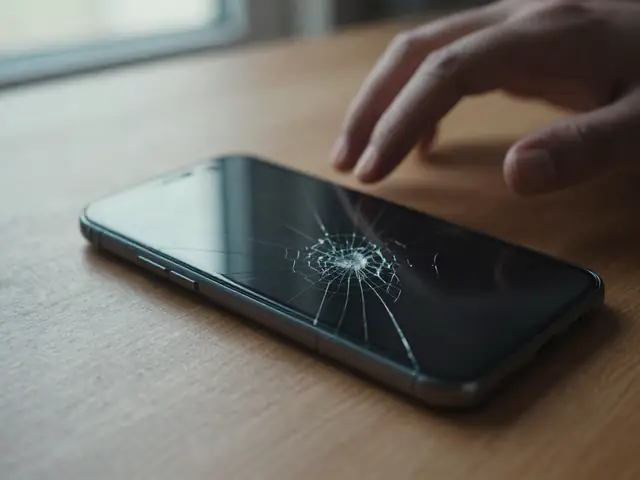
A new battery costs far less than a new phone and can give an older handset a useful extra year or two. Use the manufacturer, an authorised service provider or a reputable repairer. Phone batteries are glued in close to delicate parts, so this isn't a DIY job. If your screen is cracked too, it may be worth having both done at once, and our guide to cracked screens explains your options.
What to do if your battery is swollen
A lithium-ion battery can swell as it fails. Signs include a screen lifting away from the frame, a new gap along an edge, a back panel that bulges or rocks on a flat surface, and buttons that feel stiff.
A swollen battery is a fire risk. Unplug the phone, switch it off and don't charge it again. Don't press on the bulge, try to flatten it or attempt to remove the battery, because puncturing it can start a fire. Keep the phone somewhere cool, away from anything that could burn, and take it to the manufacturer or an authorised repairer as soon as you can. If it gets hot, smokes or hisses, move away from it, and call 999 if there's a fire.
Warranty and your consumer rights
Gradual battery wear is normal, so losing capacity after a few years isn't usually a fault. A battery that fails much sooner may be. Under the Consumer Rights Act 2015, goods must be of satisfactory quality, which includes being durable. If a fault shows up within six months of delivery, it's presumed to have been there from the start unless the retailer can prove otherwise. Your claim is with the retailer, which may be your network if the phone came with a contract.
Also check the manufacturer's warranty and any insurance or extended plan. Some plans include a free battery replacement once health falls below a set level.
More guides that might help
If the battery is only one of several problems with an older phone, our guide on how to choose a smartphone helps you work out what to look for next. Browse all our guides for more on repairs, settings and security.